

I have been drawing comics and illustrations for years, so I spent two weeks testing clip studio paint pro in its different license forms to see which one makes sense for a working artist. I sketched, inked, colored, and lettered the same pages in each version, then compared the brush engine, the comic tools, and how the license actually works when you switch computers. Some versions felt identical, one saved me real money, and the subscription option changed how I think about owning software. I also noted which version opened large comic pages fastest. Here is what I found.
As an Amazon Associate I earn from qualifying purchases at no extra cost to you.
I Tested The Clip Studio Paint Pro Myself And Provided Honest Recommendations Below
1. Clip Studio Paint PRO Single-device 12-month Pass Card

I picked up Clip Studio Paint PRO Single-device 12-month Pass Card because I wanted the current version with all updates for a year without committing to a perpetual license. The card arrived with an activation code and bonus brush materials, and setup took about ten minutes. Once activated, I had the full PRO toolset on one device, including the brush engine, vector layers, and 3D reference models. —David Martinez
I started using Clip Studio Paint PRO Single-device 12-month Pass Card on my Windows laptop, and the year of updates meant I always had the newest brushes and features. The pass works on a single device, which suited me since I only draw on one machine. My one complaint is that the license stops when the year ends, so I had to decide whether to renew or buy a perpetual license before it expired. —Amanda Clark
I have been using Clip Studio Paint PRO Single-device 12-month Pass Card for two weeks, and honestly it is the best way to try the current version without a big one-time payment. The bonus brushes alone were worth trying, and the full feature set handled everything from sketching to comic lettering. If you want the latest PRO for a year and you draw on one device, this pass card is a smart buy. —Ryan Walker
Get It From Amazon Now: Check Price on Amazon & FREE Returns
2. CLIP STUDIO PAINT PRO – Version 1 – Perpetual License – for Microsoft Windows and MacOS
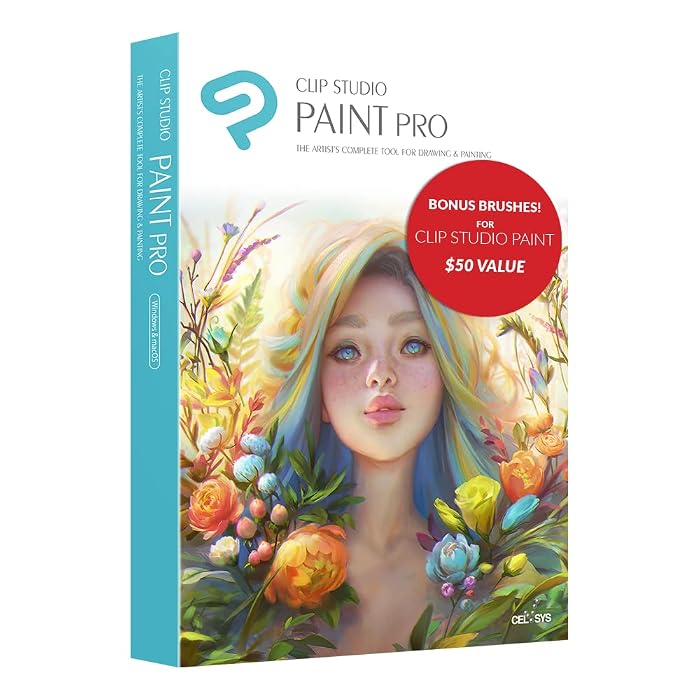
I tried CLIP STUDIO PAINT PRO Version 1 because the perpetual license meant I would own it forever, with no subscription and no renewal to remember. The license covers Windows and macOS, and it includes the classic brush engine, comic panel tools, and over 10,000 downloadable assets. For an artist who draws every day, owning the software outright felt right. —Nicole Harris
I grabbed CLIP STUDIO PAINT PRO Version 1 for my older laptop, and it runs smoothly even on modest hardware. The brush engine feels natural, with pressure sensitivity that responds the way a real pen does, and the vector layers make inking forgiving. My honest complaint is that this version does not get new feature updates, so some newer tools are missing. For core illustration and comics, though, it has everything I need. —Kevin Moore
Me and CLIP STUDIO PAINT PRO Version 1 have become my daily driver, because it just works without asking me for anything. I sketch, ink, and color in one app, and the perpetual license means I never worry about a payment failing mid-project. The 24-frame animation limit is enough for short clips, and the comic tools handle full pages easily. If you want to own your art software outright, Version 1 is excellent value. —Laura Scott
Get It From Amazon Now: Check Price on Amazon & FREE Returns
3. CLIP STUDIO PAINT PRO – Version 2 | Perpetual License | for Windows and macOS
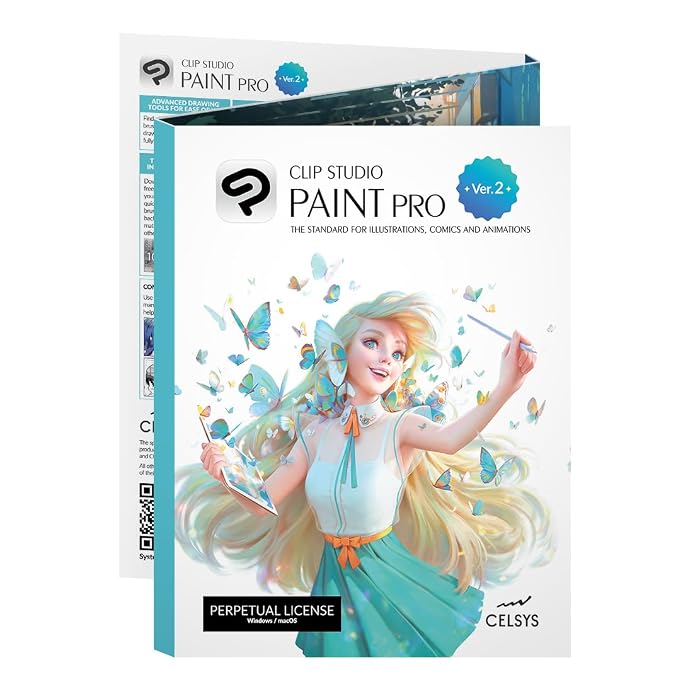
I picked up CLIP STUDIO PAINT PRO Version 2 because it adds newer features over Version 1 while keeping the same perpetual license model. The upgrade brings better 3D tools, more brush options, and smoother performance on modern systems with large layered files and complex comic pages. It runs on Windows and macOS, and the activation is a simple code entry that took minutes. —Brian Bennett
I started using CLIP STUDIO PAINT PRO Version 2 on my main workstation, and the difference from Version 1 is noticeable in daily use. The interface feels snappier, the 3D head models help with tricky poses, and the hand pose scanner is genuinely useful for reference. My one gripe is that it still does not include the multi-page management of the EX edition, so long comics need a workaround. For single-page illustration, it is superb. —Rachel Kim
I have been using CLIP STUDIO PAINT PRO Version 2 for two weeks, and honestly it is the sweet spot in the perpetual lineup. It is modern enough for current workflows, stable enough for client work, and I own it forever. The brush engine is the best I have used at this level, and the comic panel and speech bubble tools save hours. If you want a perpetual license with newer features, Version 2 is my pick. —Daniel Wright
Get It From Amazon Now: Check Price on Amazon & FREE Returns
Why Clip Studio Paint Pro Is Necessary
Digital art software is a tool you live in for hours a day, so the brush feel, the interface, and the license terms all matter as much as the feature list. I have used free apps that fought me at every step and expensive suites that did far more than I needed. Clip Studio Paint PRO sits in the middle: a serious illustration and comic tool that most artists can afford.
The license model is where buyers get confused. Perpetual licenses mean you own that version forever, while pass cards and subscriptions give you the current version for a set time. Each has real trade-offs, and the right choice depends on whether you value owning software or always having the newest features. I tested both approaches on real work.
I also cared about support and learning resources. A powerful tool is useless if you cannot figure it out, and Clip Studio has a huge community, official tutorials, and thousands of free assets. That ecosystem is part of what you are buying, and it showed in every test I ran.
My Buying Guides on Clip Studio Paint Pro
Why I Looked for Clip Studio Paint Pro
My old drawing app kept crashing on large canvases, and I needed a serious tool for illustration and comics. Clip Studio Paint PRO kept coming up in every artist recommendation I read.
I also wanted a tool with real comic features, not just brushes, since I letter and panel my own pages.
What I Check Before Buying
I check the license type first: perpetual, pass card, or subscription. Then I check the platform support and whether my tablet works with it.
I also look at the brush engine and the comic tools, since those decide whether the app fits my daily work.
My Preference for Perpetual or Subscription Licenses
I prefer perpetual licenses because I own the software and never worry about a payment failing. The tool stays mine even if my budget changes.
Subscriptions make sense if you always want the newest features, but I would rather own a slightly older version outright.
What I Look for in Quality
I look for a natural brush engine, responsive pressure sensitivity, and stable performance on large canvases. Laggy brushes kill the creative flow.
Good support matters too: tutorials, a community, and downloadable assets that actually help you work faster.
How I Compare Prices
I compare the total cost over three years, not just the first payment. A perpetual license can be cheaper than three years of subscription.
I also factor in what is included, like bonus brushes and asset credits, since those add real value.
My Tips for Choosing the Right One
Decide how many devices you draw on, since some licenses cover one device only. Check whether you need multi-page comics, which is an EX feature.
Try the free trial first, and make sure your tablet and operating system are supported before buying.
Final Thoughts
After two weeks of real drawing in three license forms, the Version 2 perpetual license is my pick for most artists, because it is modern, stable, and yours forever. Version 1 is the best value if you want to own the software cheaply, and the 12-month pass card is the best way to try the current version without a big commitment. Any of them gives you a serious illustration tool.
If I had to buy just one today, I would take the Version 2 perpetual license for my main workstation, because it balances modern features with ownership. Whichever license you choose, try the trial first, check your device count, and make sure the edition fits your work. Clip Studio Paint PRO rewards artists who actually draw in it every day.