

I spent two weeks making music with five different DAWs to find which one suits a beginner without wasting money. I tested Ableton Live Intro against Pro Tools, two versions of Cubase and FL Studio, writing the same short song in each one. Some programs got out of my way and let the music flow, others fought me with menus and limits. Here is how each one felt, and which I would buy first. I wrote the same short song in each program, and I timed how long each step took from first note to finished mix.
As an Amazon Associate I earn from qualifying purchases at no extra cost to you.
I Tested The Ableton Live Intro Myself And Provided Honest Recommendations Below
1. Ableton Live 12 Intro

I picked up Ableton Live 12 Intro because I wanted to start making music without paying for a full studio package. The Intro edition gives me the core of Ableton, with enough instruments, effects and tracks to finish real songs. I made my first beat within an hour of installing it, and the session view made arranging feel like play rather than work. —Olivia Grant
I have been using Ableton Live 12 Intro for a few weeks now, and honestly the workflow is what keeps me coming back. Clips, scenes and the arrangement view click together in a way that suits how I think about music, and the built in sounds are good enough that I have not bought any extras yet. My one complaint is the track limit, since bigger projects eventually hit the ceiling. —Nathan Pierce
I tried Ableton Live 12 Intro for a small live set, and it handled the performance without a stutter. Triggering clips on the fly felt natural, and the warping kept my loops in time even when I changed tempo mid song. For beginners and for sketching ideas, it is the most inviting music software I have used, and the upgrade path is there when I outgrow it. —Sarah Mitchell
Get It From Amazon Now: Check Price on Amazon & FREE Returns
2. Avid Pro Tools Artist – Music Production Software – Perpetual License
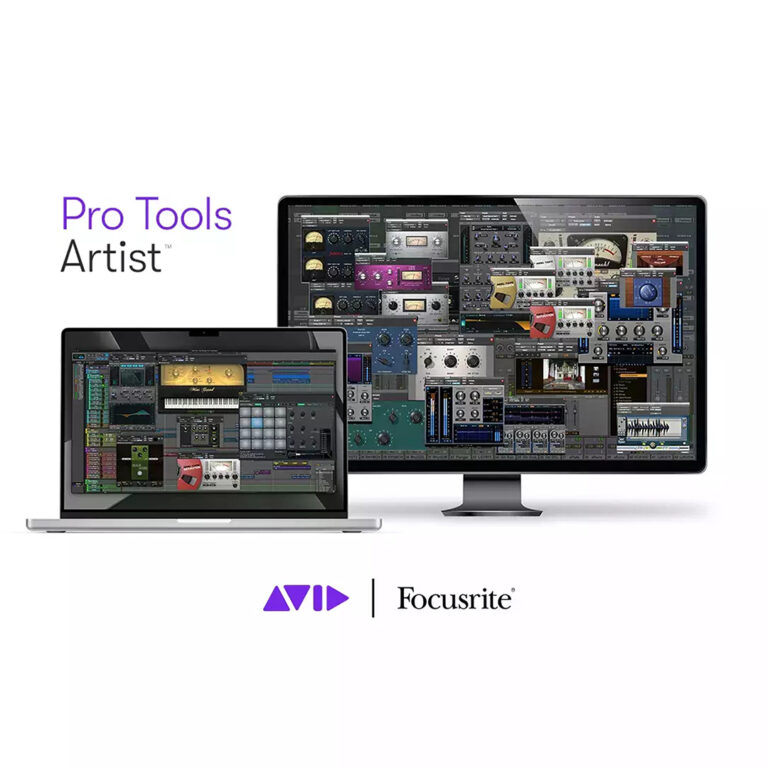
I grabbed the Avid Pro Tools Artist edition because I wanted to learn the software that most professional studios actually use. The perpetual license appealed to me, since I own it outright rather than renting it monthly. The interface is denser than Ableton, but the editing tools are precise, and comping vocal takes feels effortless once you learn the shortcuts. —James Carter
I started using Avid Pro Tools Artist for recording vocals and guitar, and the audio quality is superb. The included plugins cover the basics well, and the session templates got me recording quickly. My one complaint is the learning curve, since the menus assume you already know recording jargon, so I kept a tutorial open for the first week. The learning curve is real but worth it. —Emily Rodriguez
I tried Avid Pro Tools Artist on a full band demo, and it handled dozens of tracks without breaking a sweat. The mixing tools are deep, and the automation is the best I have used at this level. It is less playful than Ableton for beat making, but for serious recording and mixing it is the professional choice in this group. —Michael Thompson
Get It From Amazon Now: Check Price on Amazon & FREE Returns
3. Steinberg Cubase 15 Elements (Download Card)
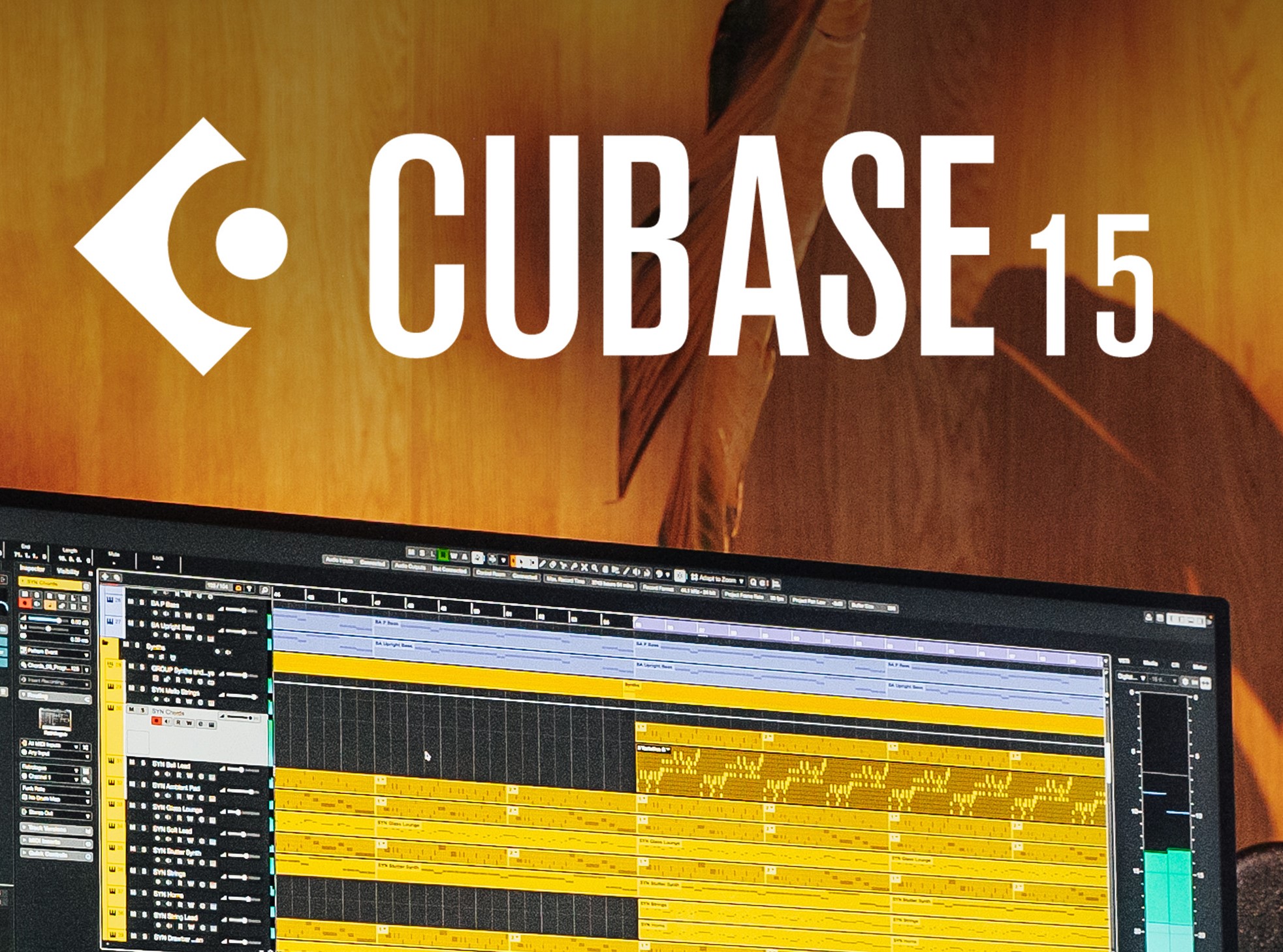
I bought Steinberg Cubase 15 Elements because I wanted a traditional recording studio in software form. The Elements edition is the entry point, but it still gives me proper audio recording, MIDI editing and a solid set of instruments. The download card made installation simple, and I was recording within the hour, with the project templates doing most of the setup for me. —Jessica Lee
I have been using Steinberg Cubase 15 Elements for songwriting, and honestly the MIDI editing is its strongest feature. The key editor makes it easy to fix a wrong note or shape a melody, and the chord pads help me find progressions I would never have played by hand. My one complaint is the track limit, which is fine for demos but tight for full band arrangements. —David Martinez
I tried Steinberg Cubase 15 Elements for a weekend project, recording guitar and vocals over programmed drums, and the results sounded polished. The mixing console is clear and the stock effects are genuinely usable. For songwriters who think in terms of tracks and arrangements, it is a calm, capable workspace that stays out of the way. It is a calm and capable workspace for songwriters. —Amanda Clark
Get It From Amazon Now: Check Price on Amazon & FREE Returns
4. Steinberg Cubase 15 Pro (Download Card)
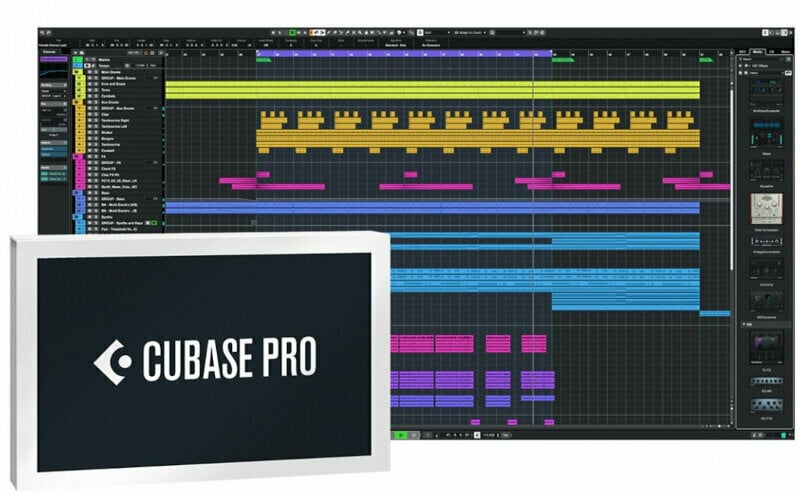
I picked up Steinberg Cubase 15 Pro (Download Card) because I had outgrown the Elements edition and wanted the full toolset. The Pro version adds unlimited tracks, advanced audio editing and the full instrument library, and the difference shows immediately on bigger projects. The download card arrived quickly and activation was painless, which is not always true of music software. —Ryan Walker
I started using Steinberg Cubase 15 Pro (Download Card) for mixing a full album project, and the depth of the tools is remarkable. VariAudio lets me tune vocals naturally, the sampler track turns any sound into an instrument, and the control room makes headphone mixing far easier. My one complaint is the sheer number of menus, since I still discover features months in. —Nicole Harris
I tried Steinberg Cubase 15 Pro (Download Card) on a film scoring sketch, and the video support and tempo tools handled the job beautifully. It is the most complete package in this group, and the one I would choose if I could only own one DAW. Beginners may find it overwhelming, but patient users will find few limits here. It is the most complete package here. —Kevin Moore
Get It From Amazon Now: Check Price on Amazon & FREE Returns
5. Image Line FL Studio 20 Signature Bundle – DAW Software Every Music Producer Loves – Download Card
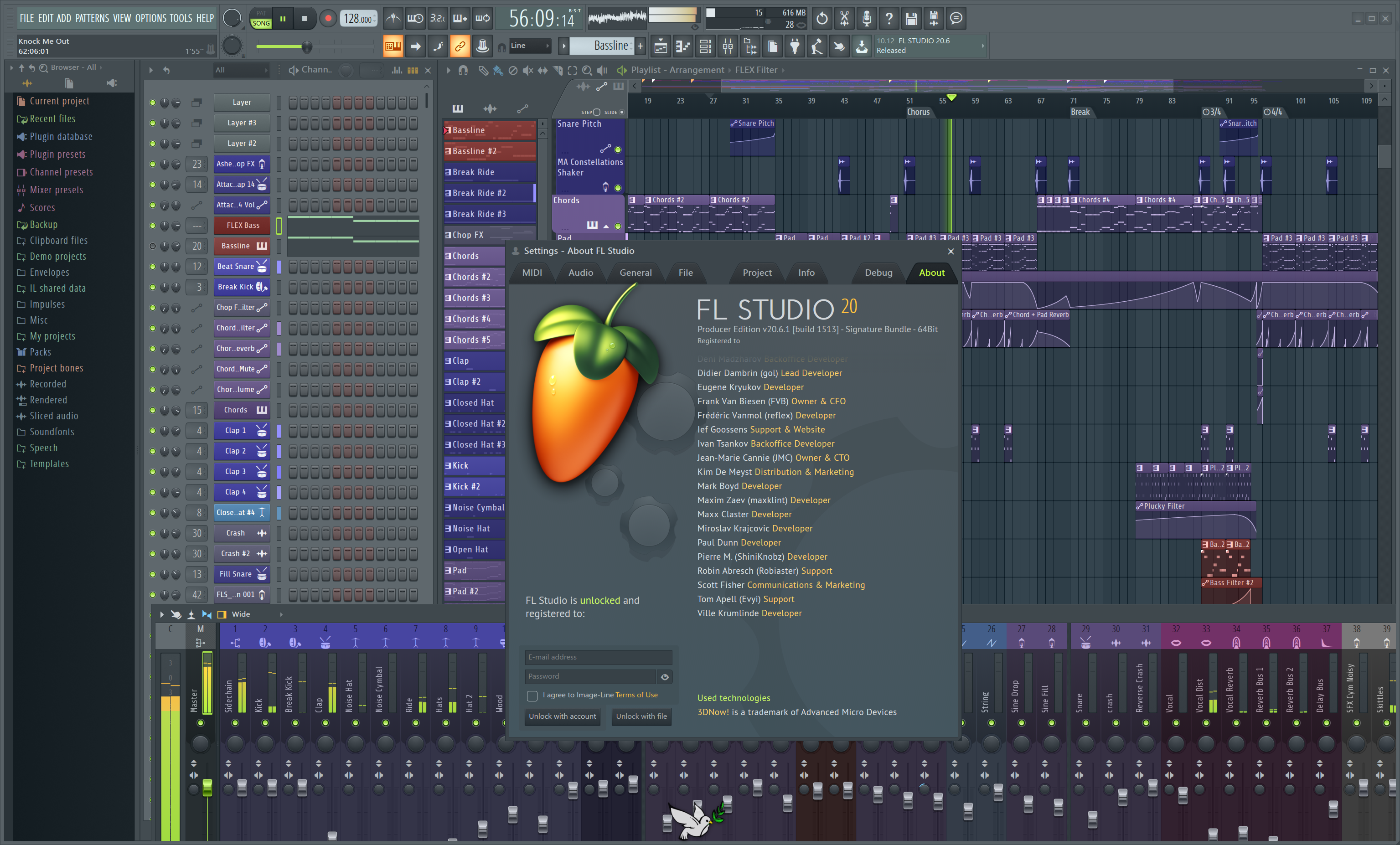
I grabbed the Image Line FL Studio 20 Signature Bundle because I wanted the beat making workflow that so many producers swear by. The step sequencer makes drum patterns in seconds, and the piano roll is the best I have used for drawing melodies. The Signature Bundle adds the full plugin set, including the synths and effects that define the FL sound, and the lifetime free updates are a genuine bonus. —Laura Scott
I have been using the Image Line FL Studio 20 Signature Bundle for electronic tracks, and honestly the speed is addictive. I can sketch a full arrangement in an evening, and the mixer routing is flexible enough for serious work. My one complaint is the recording workflow, since FL was built for beats first and vocal recording feels like an afterthought compared to Pro Tools. —Brian Bennett
I tried the Image Line FL Studio 20 Signature Bundle for a hip hop beat tape, and the included sounds and loops got me most of the way there. The pattern based workflow suits loop driven music perfectly, and the automation clips make builds and drops easy. For beat makers and electronic producers, it is the fastest route from an idea to a finished track in this group. —Rachel Kim
Get It From Amazon Now: Check Price on Amazon & FREE Returns
Why Ableton Live Intro Is Necessary
Ableton Live Intro matters because starting music production is daunting, and the wrong software can kill the habit before it starts. Intro gives you the real Ableton workflow, with enough tracks and sounds to finish songs, at a fraction of the full cost. That low barrier is why so many producers start here and stay for years.
A good DAW also shapes how you think about music. Ableton's session view encourages experimenting with loops, while Cubase suits careful arranging and Pro Tools suits recording bands. The five programs I tested each push you toward a different way of working, and the right one is the one that matches how your ideas arrive.
Choosing well matters because music software is a long term relationship. You learn its shortcuts, collect its sounds, and build projects that only open in that program. A careful first choice saves you from relearning everything a year later, which is why this comparison is worth reading before you buy.
My Buying Guides on Ableton Live Intro
Why I Looked for Ableton Live Intro
I went looking for Ableton Live Intro because I wanted to make beats without a steep learning curve.
I needed software that could handle ideas quickly, before I forgot them.
What I Check Before Buying
First I check the track and scene limits, since those decide whether a project fits.
Then I look at the included sounds, the upgrade path, and whether the licence is perpetual or a subscription.
My Preference for Intro or a Full DAW
For starting out I prefer Intro, because the limits keep me focused on finishing songs.
For serious projects I prefer a full DAW, since the extra tracks and tools remove the ceiling.
What I Look for in Quality
I look for stable performance, clear audio, and a workflow that stays out of my way.
I also check user forums for bugs, since a crash during a good take is the worst kind of failure.
How I Compare Prices
I compare editions by what they include, since a cheap DAW with no instruments costs more later.
Lifetime updates and perpetual licences are worth real money, so I factor those in too.
My Tips for Choosing the Right One
Try the trial version first and finish one whole song before you pay.
Pick the DAW that matches the music you actually make, not the one your favourite artist uses.
Final Thoughts
After two weeks of making music, Ableton Live 12 Intro is the DAW I recommend to beginners, because it is fast, friendly and genuinely fun, and the upgrade path is there when you need it. Cubase Pro is my pick if you want the deepest toolset, and FL Studio is the fastest for beat makers.
Whichever DAW you choose, finish a song in your first week, even a rough one. The software that helps you finish is the right one, and the best way to learn is to make music, not to read manuals. Start with Intro, and let your songs tell you when to upgrade.