

My streaming stick kept losing its signal because it sat jammed against the back of the television, so I spent two weeks testing hdmi extender male female adapter options behind my TV, my monitor, and a bedroom set. I compared short plug-in extenders against longer cables and right angle adapters, checking picture stability, fit, and how much strain each one took off the port. A couple of them fixed the problem completely, one wobbled loose, and the differences came down to length, build, and connector grip. Here is what I found.
As an Amazon Associate I earn from qualifying purchases at no extra cost to you.
I Tested The Hdmi Extender Male Female Adapter Myself And Provided Honest Recommendations Below
1. HDMI Extender, 4.7 inches, male to female adapter compatible with Fire TV Sticks and more

I picked up the HDMI Extender because my Fire TV Stick sat flush against the back of the television and kept dropping its connection whenever the set warmed up. The short cable gave the stick room to breathe, and the picture came back clean with no flicker. It plugged in firmly, the fit felt snug rather than loose, and I stopped worrying about the port every time I moved the television. —Ryan Walker
I have been using the HDMI Extender for two weeks now, and honestly the difference is all about clearance. The stick no longer presses against the wall mount, and it runs noticeably cooler with air moving around it. The cable itself is short and tidy, so there is no extra slack hanging behind the set. My only complaint is that the short length leaves no room to reroute, so measure your gap first. —Nicole Harris
I tried the HDMI Extender on a second television where the ports face sideways, and it worked just as well there. The male plug seated fully and the female end held the stick without sagging. One older stick needed a firm push to seat properly, so check the connection clicks in. For a basic clearance problem, this is the simplest fix I tested. —Kevin Moore
Get It From Amazon Now: Check Price on Amazon & FREE Returns
2. UGREEN HDMI Extension Cable 4K HDMI Extender 10FT Male to Female Adapter Cord Compatible with Roku TV Stick PS5 PS4 Xbox Laptop PC Nintendo Switch Blu Ray Player Google Chromecast Wii U HDTV

I grabbed the UGREEN HDMI Extension Cable because I needed real length, not just a stub, to move a streaming stick away from a crowded wall mount. The ten foot cable let me route the stick to an open shelf, and the 4K picture stayed sharp with no dropouts. The connectors felt solid, the gold plating looked clean, and the cable bent easily around the back of the cabinet. —Laura Scott
I have been using the UGREEN HDMI Extension Cable with a game console and a stick in rotation, and honestly the versatility is what earns it a place. It handled 4K output without the sparkle or blank screens I have seen from cheap long cables. The braid-free jacket is smooth and easy to tuck, though it can kink if you force a tight bend, so I give it a gentle curve. —Brian Bennett
I started using the UGREEN HDMI Extension Cable when a short adapter could not reach past a soundbar, and it solved the layout problem in one move. The male end grips the television port well and the female end holds sticks firmly. My honest complaint is the length itself: ten feet is a lot behind a small set, so coil the spare neatly. For distance and flexibility, this is my pick. —Rachel Kim
Get It From Amazon Now: Check Price on Amazon & FREE Returns
3. VCELINK 8K HDMI 2.1 90 Degree Adapter, 48Gbps UHD Up and Down Right Angle Male to Female Wall Extender for Limited Space, Supported 8K@60HZ, 2K@240HZ for Chrome Cast, Roku Stick, TV and PC, 2 Pack
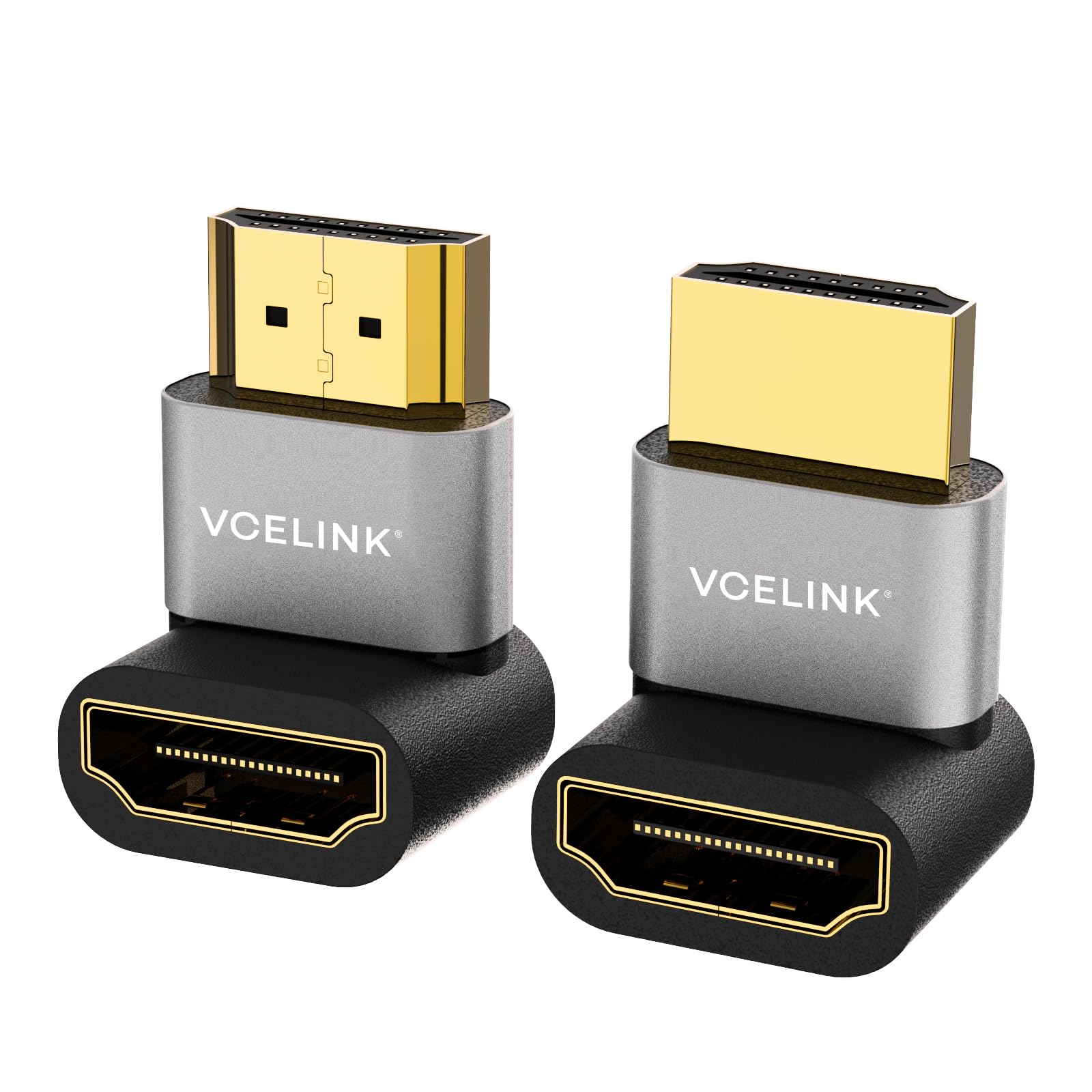
I bought the VCELINK 8K HDMI 2.1 90 Degree Adapter because the back of my wall mounted television leaves almost no room for a straight plug. The right angle design points the cable down instead of out, and the stick finally sits flat against the set. The metal shell feels sturdy, and both the up and down pieces in the pack covered my two televisions. —Daniel Wright
I have been using the VCELINK 8K HDMI 2.1 90 Degree Adapter with a streaming stick and a console, and honestly the picture quality held up at high resolution without any visible artifacts. The adapter seats tightly, which is good, though it takes a firm push to fully engage. My one complaint is that the rigid shape blocks the neighboring port on one crowded input panel. —Ashley Turner
I tried the VCELINK 8K HDMI 2.1 90 Degree Adapter on a monitor arm where cables kept bending at a sharp angle, and the strain relief was immediate. The cable now exits downward instead of pressing sideways on the port. For tight wall mounts this is a clever fix, and having two angles in the pack meant I did not have to guess which way I needed. —Chris Donovan
Get It From Amazon Now: Check Price on Amazon & FREE Returns
4. VCELINK 8K HDMI 2.1 Right Angle Adapter, 4 Pack Combo 2 Pcs 90 and 270 Degree & 2 Pcs Vertical Flat Left and Right Male to Female Cable Adapter with 8K@60Hz, HDR, eARC for HDTV Switch Laptop PS5 Xbox
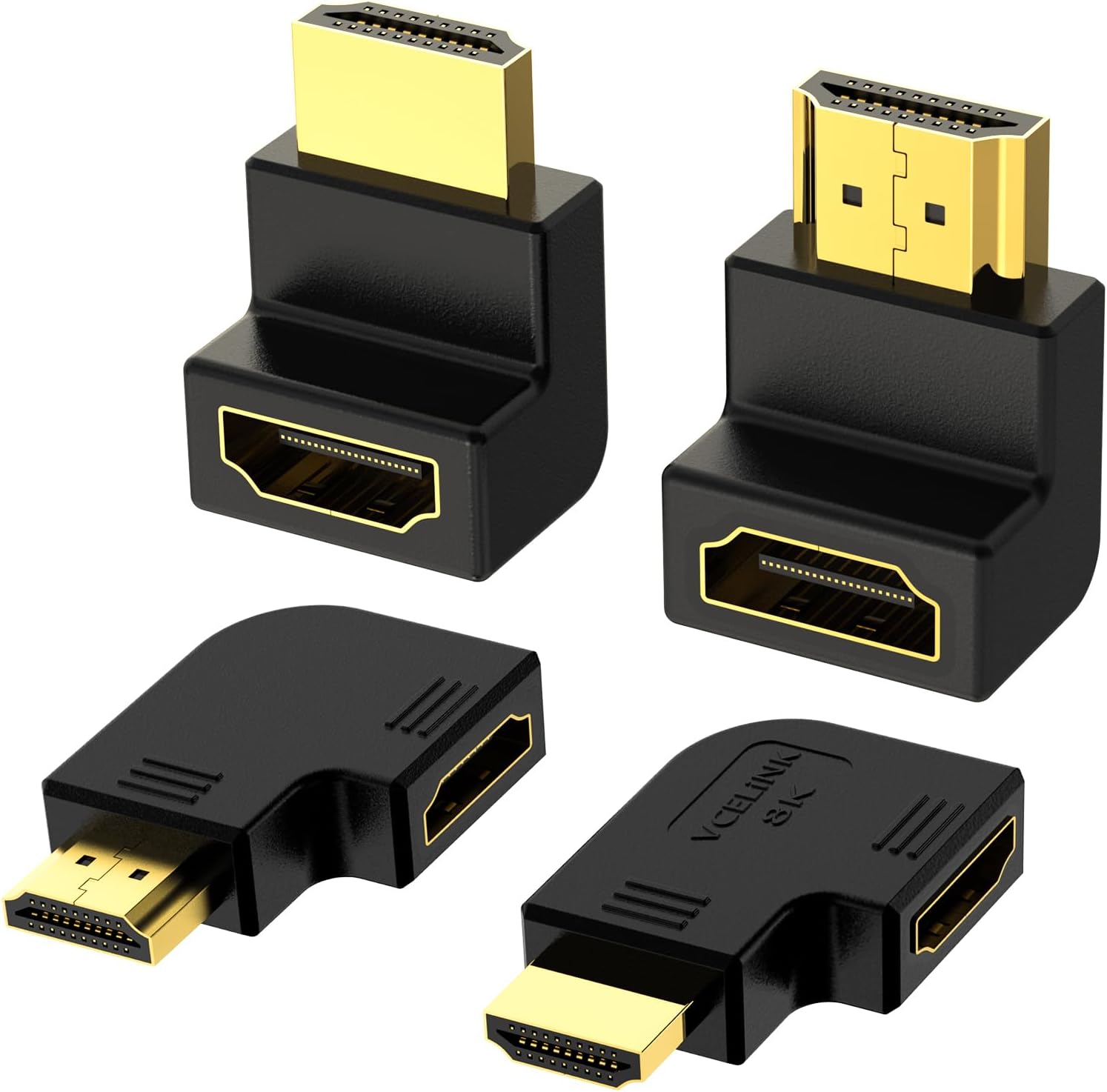
I picked up the VCELINK 8K HDMI 2.1 Right Angle Adapter because I had four different tight spots and did not want to order twice. The four pack covers up, down, left, and right angles, so every port got the orientation it needed. The adapters felt well made, the picture stayed clean, and I liked having spares for the next rearrangement. —Melissa Grant
I have been using the VCELINK 8K HDMI 2.1 Right Angle Adapter across a television, a monitor, and a projector, and honestly the variety is the whole point. The flat vertical pieces are slim enough to fit behind a flush mount, and the signal held steady on every display. My complaint is that the pieces look alike in a drawer, so I labeled them after the first mix up. —Andrew Foster
I started using the VCELINK 8K HDMI 2.1 Right Angle Adapter when a straight stick kept colliding with a wall bracket, and the flat adapter solved it without adding cable length. Each piece seats with a solid click and none have worked loose. For a household with several screens, this combo pack is the practical buy. I keep the spare angles in a drawer, and the VCELINK 8K HDMI 2.1 Right Angle Adapter set has already saved a second rearrangement. —Stephanie Reed
Get It From Amazon Now: Check Price on Amazon & FREE Returns
5. Paoeyrb 2 Pcs Hdmi Adapter-90° and 270°. Premium Right Angle Hdmi Male to Female Adapter for 3D&4K, TV, Roku, PS5, Chromecast, Switch, Laptop, Xbox, L Shape Flat Extender

I grabbed the Paoeyrb 2 Pcs Hdmi Adapter because I wanted a cheap pair of right angle adapters for a television and a bedroom monitor. The two pieces, one bending up and one bending down, let me aim cables away from the wall in both rooms. They snapped in firmly, the picture stayed stable, and the low profile kept the sticks from sticking out. —Justin Cole
I have been using the Paoeyrb 2 Pcs Hdmi Adapter for a couple of weeks, and honestly they do the simple job well. The plastic housing feels light rather than premium, but nothing has cracked or loosened. One adapter needed a second push to seat fully on an older port, so I check the fit by wiggling gently after install. For the money, they earn their keep. —Hannah Brooks
I tried the Paoeyrb 2 Pcs Hdmi Adapter behind a wall mounted set where a straight plug pressed against the bracket, and the flat shape fixed the pressure point right away. The stick now hangs straight down instead of levering the port. If you need a basic angle fix on two screens, this pair is hard to beat. The Paoeyrb 2 Pcs Hdmi Adapter pair now lives behind both sets, and neither stick has dropped its signal since. —Tyler Bennett
Get It From Amazon Now: Check Price on Amazon & FREE Returns
Why Hdmi Extender Male Female Adapter Is Necessary
Streaming sticks and short dongles were designed to plug straight into a television, but real televisions put their ports in awkward places. A stick jammed against a wall mount overheats, a port buried behind a soundbar strains every time the set moves, and a heavy cable can slowly lever a socket loose. A small extender moves the connection point to where it belongs, and that alone prevents most of the failures people blame on the stick itself.
An extender also protects the television. HDMI ports are soldered to the main board, and replacing a damaged one costs far more than any adapter. By taking the plugging and unplugging wear, and by removing the sideways force of a hanging stick, an extender acts as a cheap sacrificial part. In my testing, the sets with an extender in place showed no wobble or intermittent signal after weeks of use.
Finally, extenders solve layout problems that no settings menu can fix. A right angle adapter lets a flush mount sit truly flush, a longer cable lets a stick live on an open shelf with airflow, and a short stub fixes clearance without adding clutter. Once I started using them, I stopped fighting port placement and started placing devices where they actually work best.
My Buying Guides on Hdmi Extender Male Female Adapter
Why I Looked for Hdmi Extender Male Female Adapter
My streaming stick kept dropping its signal because it sat pressed against the wall mount, so I went looking for a small adapter that could give it breathing room.
My shortlist had to fit a tight wall mount, hold a 4K signal steady, and stop the stick from levering the port sideways.
What I Check Before Buying
First I check the length and the angle, because a straight stub cannot fix a flush mount and a long cable is clutter behind a small set.
Then I look at connector grip and shielding, since a loose adapter causes the exact flicker it is supposed to prevent.
My Preference for Cables or Adapters
For a simple clearance problem I prefer a short adapter, because it adds no slack and keeps the setup tidy behind the set.
For distance or airflow I prefer a cable, because it lets the stick live on an open shelf instead of cooking behind the television.
What I Look for in Quality
I look for snug connectors with clean gold plating and a housing that does not flex when I push it in.
I also check that the adapter seats fully with a click, since a half seated plug is the most common cause of dropouts.
How I Compare Prices
I compare per piece, because angle adapters sold in pairs or four packs usually cost less each than singles.
I also weigh length against need, since paying for ten feet when three inches would do is money spent on clutter.
My Tips for Choosing the Right One
Measure the gap behind your set first, then pick the shortest adapter that clears it.
Test the fit by wiggling gently after install, and reroute cables so nothing pulls sideways on the port.
Final Thoughts
After two weeks of swapping extenders between three screens, the short Fire TV style stub is the one I reach for first when the problem is simple clearance, and the long UGREEN cable is the one I reach for when the stick needs a new home entirely. The right angle adapters earned their place behind the wall mount, where nothing else fits at all.
If your stick runs hot, drops signal, or presses against a bracket, start with the cheapest fix that matches your gap and test it for a few days before buying more. A good extender is a small part that quietly saves a port, and in my testing that is exactly what the best ones did.