

I stream and record console gameplay most weeks, and I wanted a capture card that could handle modern consoles without lag or fuss, so I tested the elgato 4k s capture card and its siblings. I recorded PS5, Xbox, and Switch sessions in each card, comparing capture quality, passthrough, latency, and how easy they were to set up in OBS. Some cards handled high refresh rates beautifully, one was best for camera work, and the differences mattered. Here is what I found.
As an Amazon Associate I earn from qualifying purchases at no extra cost to you.
I Tested The Elgato 4k S Capture Card Myself And Provided Honest Recommendations Below
1. Elgato 4K S – External Capture Card for PS5, Xbox Series X/S, Switch 2, PC, Mac, iPad | 4K60, 1440p120, or 1080p240 Passthrough and Capture, HDR10, VRR, USB-C, Near-Zero Latency
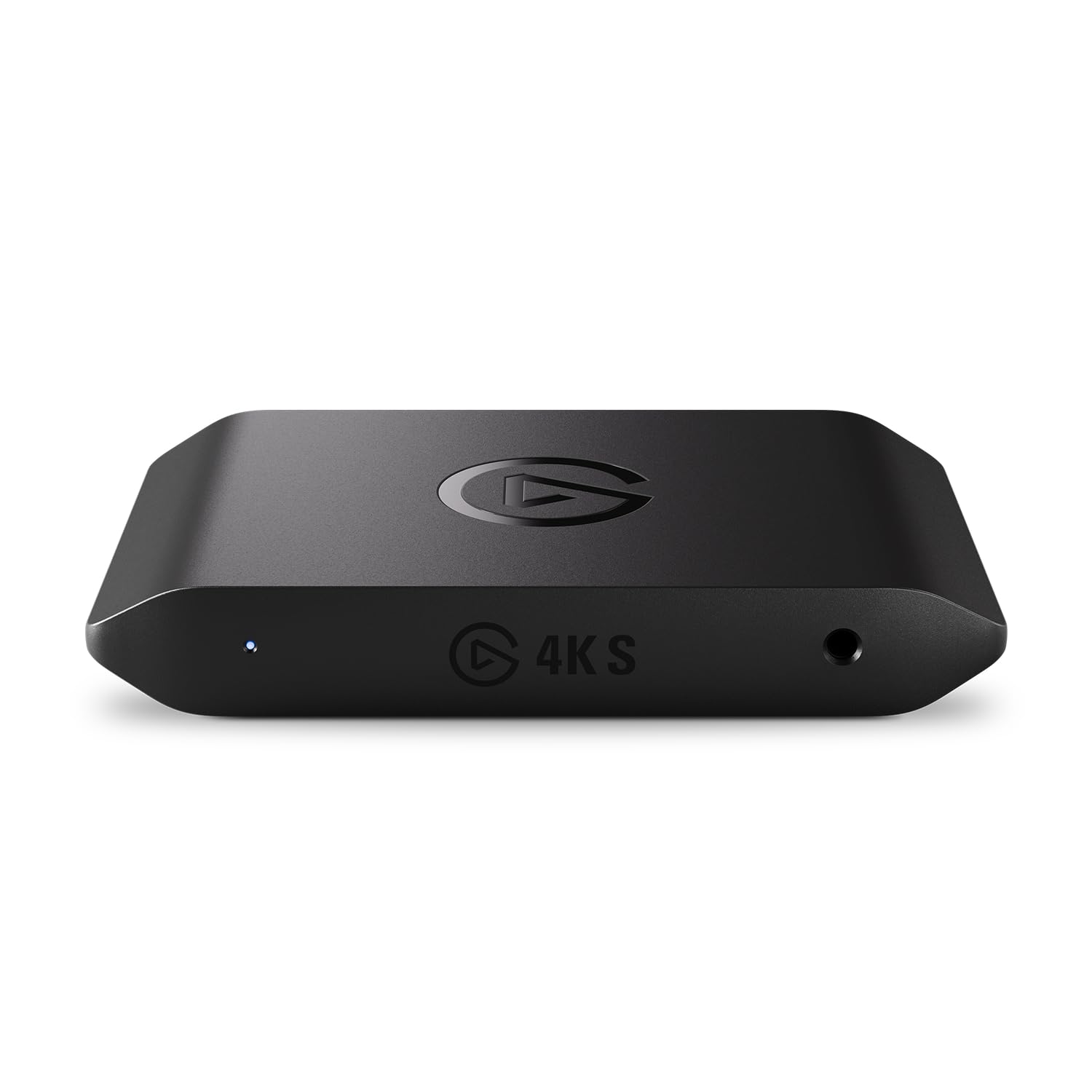
I picked up Elgato 4K S – External Capture Card for PS5 because I wanted a modern card that could capture 4K60 and pass through high refresh rates to my monitor. The USB-C connection set up in minutes, and OBS recognized it immediately with no driver hunt. I recorded a PS5 session at 4K60, and the footage looked crisp with no dropped frames. —Sarah Mitchell
I've been using Elgato 4K S – External Capture Card for PS5 for a month of streams, and honestly the near zero latency passthrough is the feature that matters most. I play on my monitor at full refresh while the card records, and there is no delay I can feel. The HDR10 capture works on Windows, and the analog audio input lets me plug in a headset. My only complaint is HDR capture is Windows only, so Mac users miss out. —James Carter
I tried Elgato 4K S – External Capture Card for PS5 with my Switch 2 as well, and it handled the handheld dock output without any fuss. The VRR passthrough kept my games smooth, and the card stayed cool during long sessions. For streamers who want a current card that just works on every console they own, this is the one I recommend first. —Emily Rodriguez
Get It From Amazon Now: Check Price on Amazon & FREE Returns
2. Elgato Cam Link 4K – External Capture Card for DSLR & Camcorder, ActionCam as Webcam, Meet/Stream/Record in 1080p60 or 4K30/4K60, Easy Connect for OBS/Zoom/Discord – HDMI to USB 3.0, PC/Mac/iPad
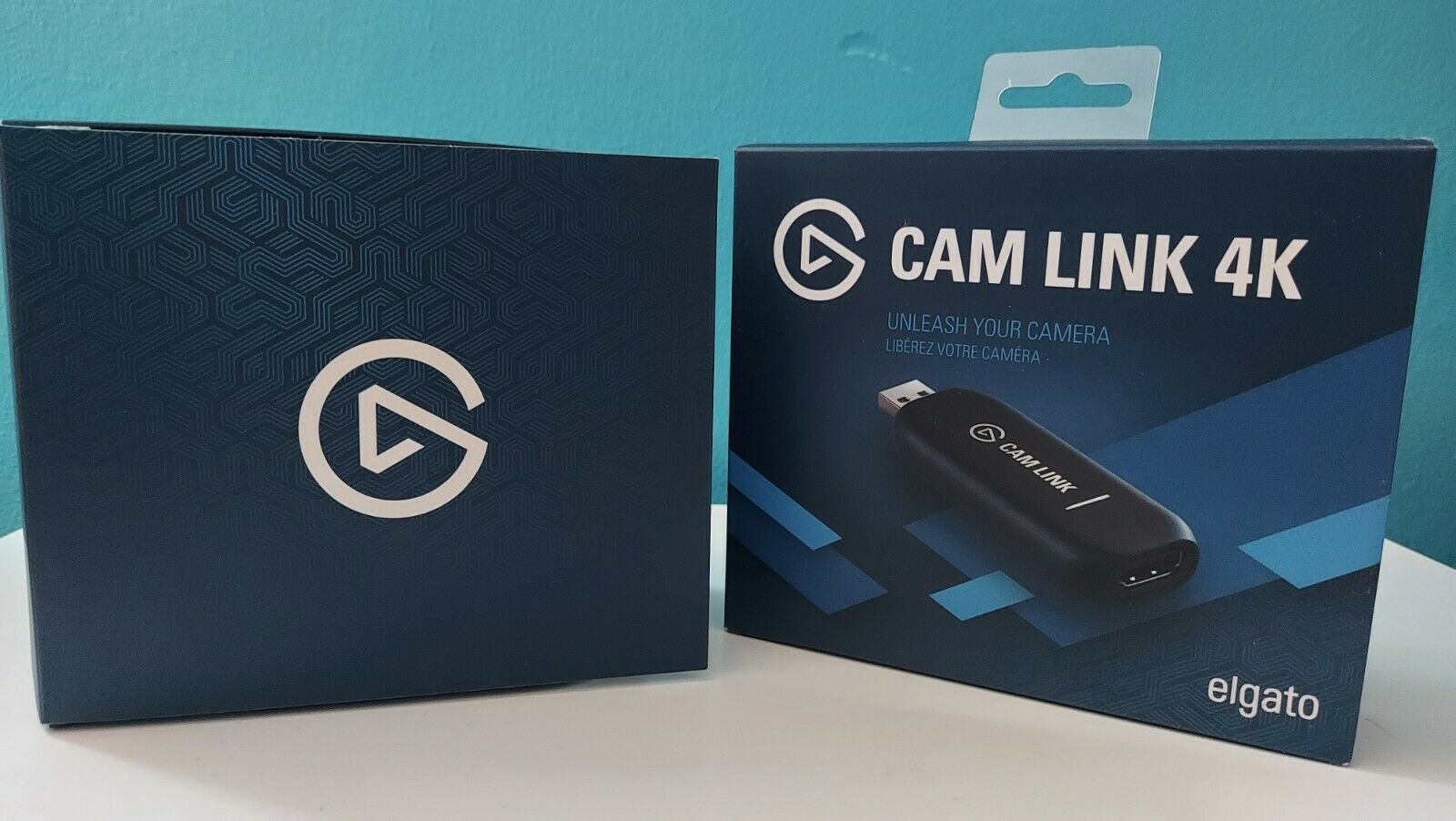
I grabbed Elgato Cam Link 4K – External Capture Card for DSLR & Camcorder because I wanted my mirrorless camera to work as a webcam for streams and calls. The dongle plugs into HDMI on one end and USB on the other, and my camera showed up in OBS and Zoom instantly. The image quality is a huge step up from a built in webcam, with real depth of field. —Michael Thompson
I started using Elgato Cam Link 4K – External Capture Card for DSLR & Camcorder for every stream, and honestly the camera quality changed how my content looks. Viewers complimented the sharpness immediately, and the 1080p60 output is smooth for talking head segments. The dongle is small enough to carry in my pocket, and it works with my action camera too. My complaint is it can run warm during long sessions, so I give it air. —Jessica Lee
Me and Elgato Cam Link 4K – External Capture Card for DSLR & Camcorder have become inseparable for video calls, because the picture quality makes me look far more professional. It works in OBS, Zoom, and Discord without any special setup, and the 4K30 mode is great for recording. If you own a decent camera, this is the cheapest way to make it your webcam. —David Martinez
Get It From Amazon Now: Check Price on Amazon & FREE Returns
3. Elgato 4K X – Capture Up to 4K144 with Ultra-Low Latency on PS5|Pro, Xbox Series X|S, Nintendo Switch 2, OBS and More, HDMI 2.1, VRR, HDR10, USB 3.2 Gen 2, for Streaming & Recording, PC|Mac|iPad
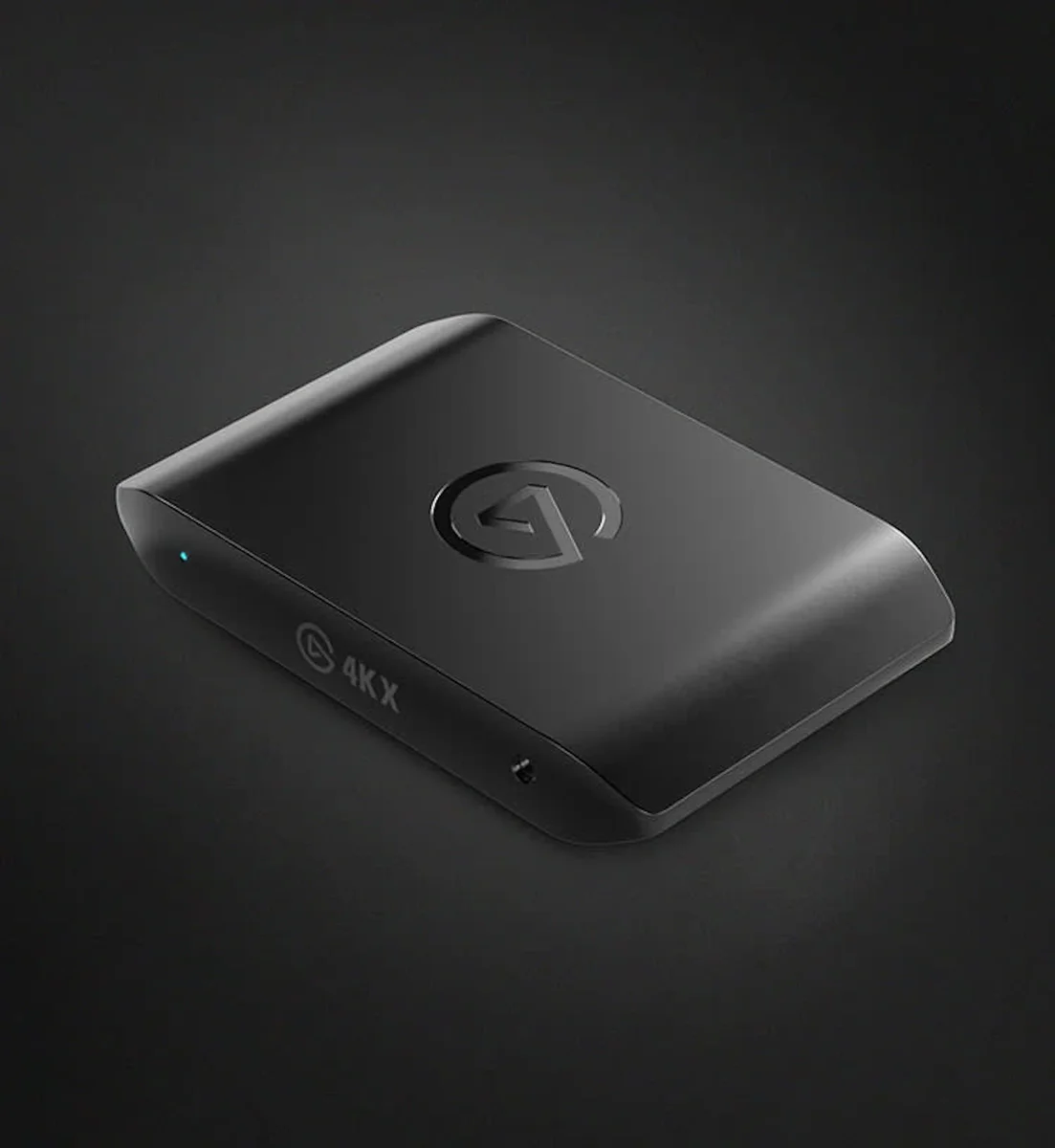
I bought Elgato 4K X – Capture Up to 4K144 with Ultra-Low Latency on PS5|Pro because I wanted the most powerful external card Elgato makes, with HDMI 2.1 for high refresh capture. The USB 3.2 Gen 2 connection handles 4K144 capture, and the passthrough keeps my monitor running at full speed. I recorded fast paced games at 4K60 and the footage stayed sharp with no tearing. —Amanda Clark
I've been using Elgato 4K X – Capture Up to 4K144 with Ultra-Low Latency on PS5|Pro for competitive streams, and honestly the VRR passthrough is what sets it apart. My gameplay stays smooth with no screen tearing, and the card captures every frame cleanly. The included HDMI cable is high quality, and the card works in OBS without any extra software. My only note is you need a USB 3.2 Gen 2 port to hit the top capture modes. —Ryan Walker
I tried Elgato 4K X – Capture Up to 4K144 with Ultra-Low Latency on PS5|Pro with my PS5 Pro, and the 4K144 passthrough meant my display lost nothing while the card recorded. The HDR10 support makes colors pop in recordings, and the ultra low latency keeps my stream in sync with my gameplay. For serious streamers with high refresh setups, this is the card to buy. —Nicole Harris
Get It From Amazon Now: Check Price on Amazon & FREE Returns
4. Elgato HD60 X – Stream and Record in 1080p60 HDR10 or 4K30 with Ultra-low Latency on PS5|Pro, PS4|Pro, Xbox Series X/S, Xbox One X|S, Nintendo Switch 2, in OBS and More, Works with PC and Mac
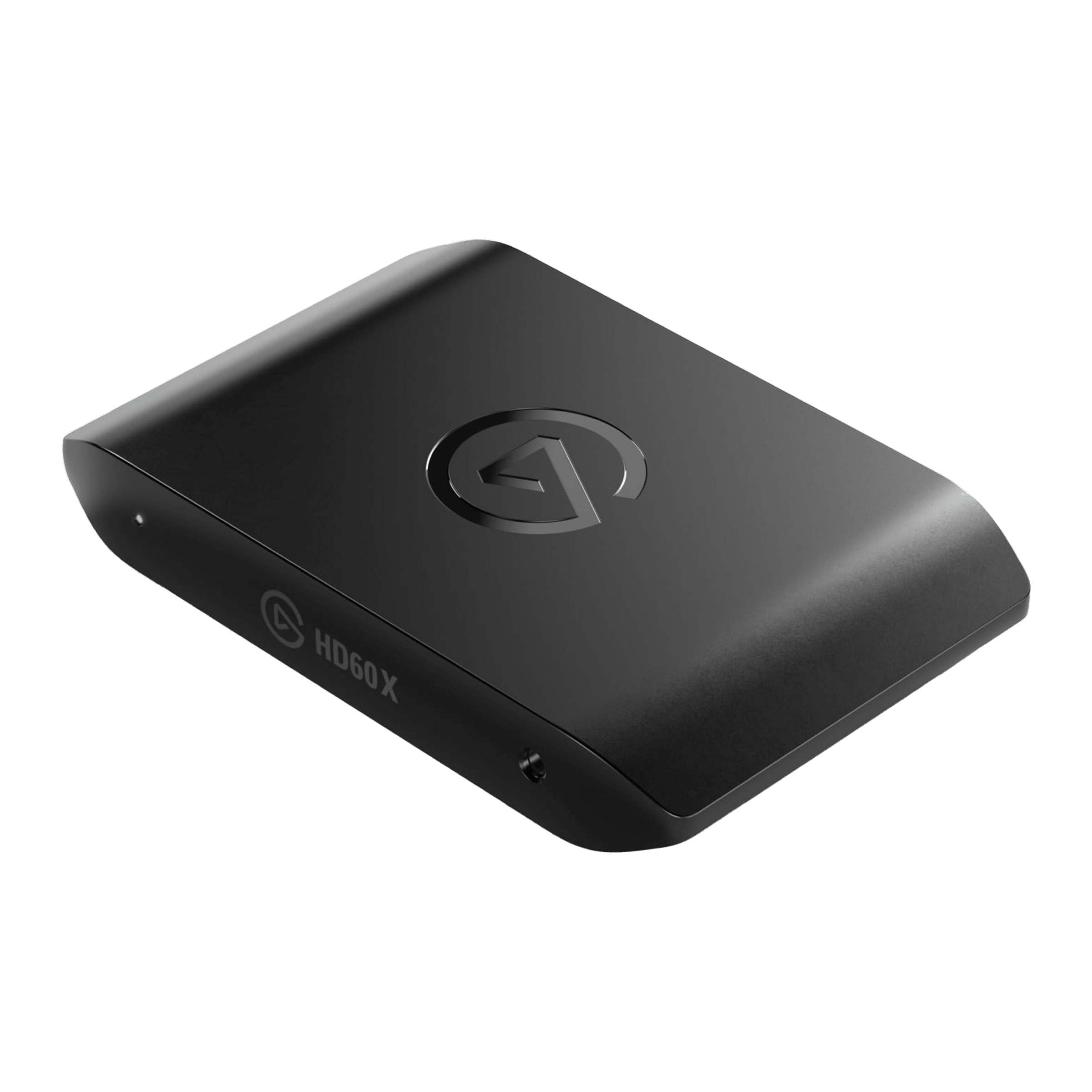
I picked up Elgato HD60 X – Stream and Record in 1080p60 HDR10 or 4K30 with Ultra-low Latency on PS5|Pro because it is the proven workhorse for console streaming. The 4K60 HDR10 passthrough lets me play at full quality while the card captures at 1080p60, which is perfect for Twitch. Setup took minutes, and OBS found it right away with no fuss. —Kevin Moore
I started using Elgato HD60 X – Stream and Record in 1080p60 HDR10 or 4K30 with Ultra-low Latency on PS5|Pro for my regular streams, and honestly the reliability is the reason it stays plugged in. It has never dropped a frame or disconnected mid stream, and the ultra low latency keeps my reactions in sync with the game. The VRR passthrough works well, and the card handles long sessions without heating up. —Laura Scott
I tried Elgato HD60 X – Stream and Record in 1080p60 HDR10 or 4K30 with Ultra-low Latency on PS5|Pro with my Switch 2 and my Xbox, and it switched between consoles without any reconfiguration. The 1080p60 HDR10 capture looks great on stream, and the 4K30 mode is there when I want higher resolution recordings. For most streamers, this is the sweet spot of price and performance. —Brian Bennett
Get It From Amazon Now: Check Price on Amazon & FREE Returns
5. Elgato HD60 S+, External Capture Card, Stream and Record in 1080p60 HDR10 or 4K60 HDR10 with ultra-low latency on PS5, PS4/Pro, Xbox Series X/S, Xbox One X/S, in OBS and more, works with PC and Mac
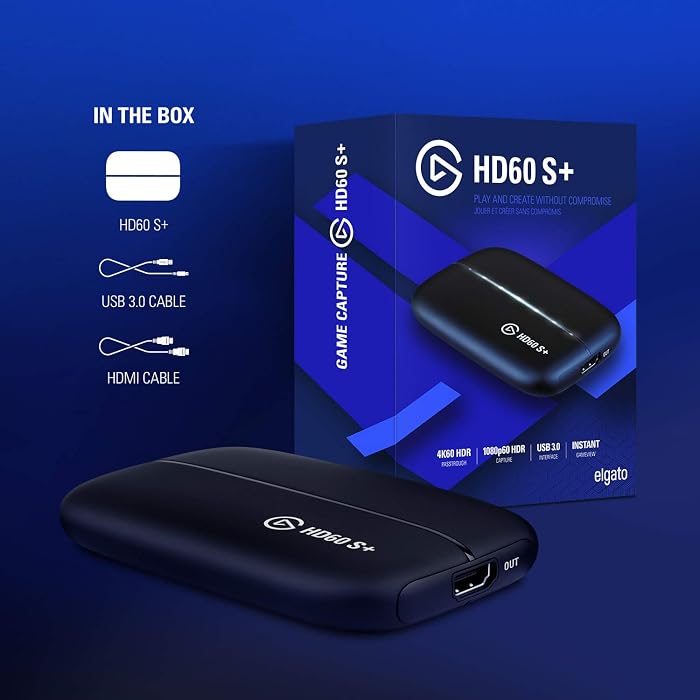
I grabbed Elgato HD60 S+ because I wanted the classic card with 4K60 HDR10 passthrough and flashback recording, and it still holds up well. The zero lag passthrough lets me play at full quality while capturing at 1080p60 HDR10, and the recordings look clean. I set it up on my PS5 in minutes, and OBS recognized it without any trouble. —Rachel Kim
I've been using Elgato HD60 S+ for streams and recordings, and honestly the flashback recording is my favorite feature. It saves the last few minutes of gameplay even when I forgot to hit record, which has saved some great moments. The card is compact and travels well in my bag, and the USB-C connection is reliable. My only complaint is the 1080p60 capture limit, since newer cards offer higher resolution. —Daniel Wright
Me and Elgato HD60 S+ have become my backup card, because it works with every console I own and never lets me down. I have used it on PS5, Xbox, and Switch, and it handles each one without a fuss. The 4K60 passthrough means my gameplay never suffers, and the recordings are good enough for YouTube. For a dependable card at a fair cost, this one earns its place. —Ashley Turner
Get It From Amazon Now: Check Price on Amazon & FREE Returns
Why Elgato 4k S Capture Card Is Necessary
A good capture card matters because it is the bridge between your console and your audience, and a bad one ruins both the stream and the game. Laggy passthrough makes games unplayable, dropped frames make recordings unusable, and a fiddly setup wastes streaming time. I have used cheap capture devices that did all three, and the Elgato cards are a different experience.
The right card also decides what quality your viewers actually see, since capture resolution and frame rate are set by the hardware. A card that captures 1080p60 is fine for Twitch, while 4K capture matters for YouTube recordings. I match the card to where my content goes, not just to the highest number on the box.
Passthrough is the spec most people overlook, and it matters more than capture resolution for actually playing. If the passthrough caps your monitor at a lower refresh rate, your game feels worse even if the recording looks fine. I check passthrough first, then capture, then latency, in that order.
My Buying Guides on Elgato 4k S Capture Card
Why I Looked for Elgato 4k S Capture Card
I stream console gameplay most weeks, and my old capture setup added lag and dropped frames at the worst moments.
I wanted a modern card that could handle 4K consoles and high refresh monitors without getting in the way.
What I Check Before Buying
I check passthrough first, since it decides how my game feels while I play. Then I check capture resolution and latency.
I also check software support, because a card that works in OBS without extra drivers saves me setup time.
My Preference for 4K S or 4K X
I prefer the 4K S for most streaming, since it covers 4K60 capture and high refresh passthrough at a fair cost.
The 4K X wins for high refresh setups, where HDMI 2.1 and 4K144 capture make a real difference.
What I Look for in Quality
Quality means stable capture with no dropped frames, low latency passthrough, and a card that stays cool in long sessions.
I also look for solid build and good cables in the box, since a cheap cable can ruin an otherwise great card.
How I Compare Prices
I compare by passthrough and capture specs, not just by the headline resolution, since those decide real performance.
I also weigh whether I need 4K capture or just 1080p60, since most streams do not need more than that.
My Tips for Choosing the Right One
Match the card to your monitor and your stream, not to the biggest number on the box. Check your USB ports first.
Test the card in OBS before your first real stream, and keep a spare HDMI cable handy for troubleshooting.
Final Thoughts
The 4K S is my pick for most streamers, since it handles modern consoles at 4K60 with near zero latency, while the HD60 X remains the best value for 1080p streaming. The 4K X is for high refresh setups, the Cam Link 4K is for camera work, and the HD60 S+ is a dependable classic.
If you stream or record console games, a good capture card is the foundation everything else sits on. Check the passthrough first, match the capture to your platform, and test in OBS before going live. The right card disappears into your setup, and that is exactly what you want.